Brawl Event Alerts
Setup guide
Get a heads-up when tournament quizzes, MVP votes and match predictions open. Alerts come straight to your device through ntfy.
Free to use · No ntfy account needed · About 3 min
Red outlines mark where to tap or click. Japanese screen text is translated into English. Black bars hide private details.
iPhone / iPad setup
1/7 · Install ntfy
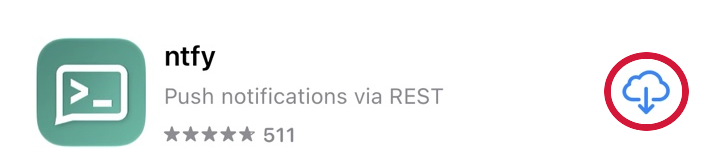
On iOS or iPadOS 15 or later, open ntfy in the App Store. Tap Get, or tap the cloud if you downloaded it before.
2/7 · Open the app
Tap Open in the App Store, or tap the ntfy icon on your Home Screen. The icon is green with a white terminal symbol.
3/7 · Allow notifications
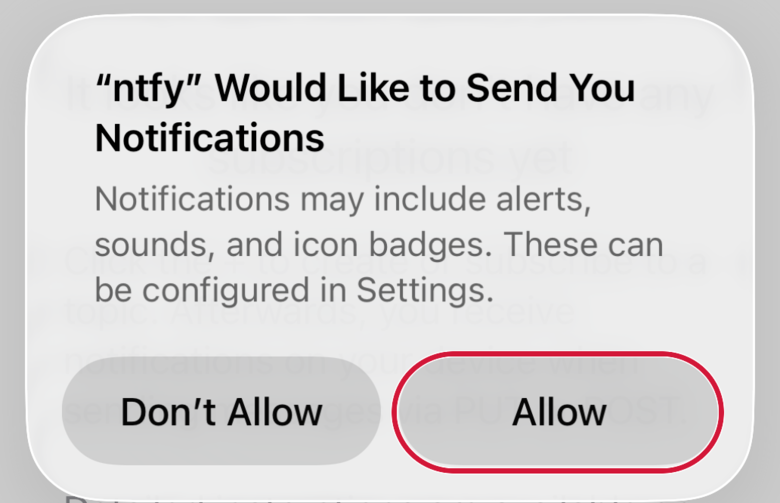
When ntfy asks to send notifications, tap Allow. If the prompt has already been dismissed, you can enable notifications in Settings.
4/7 · Tap the plus button
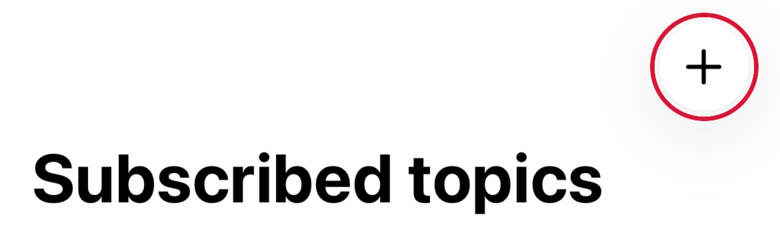
On Subscribed topics, tap the plus in the upper-right corner to add a subscription.
5/7 · Enter the topic and server
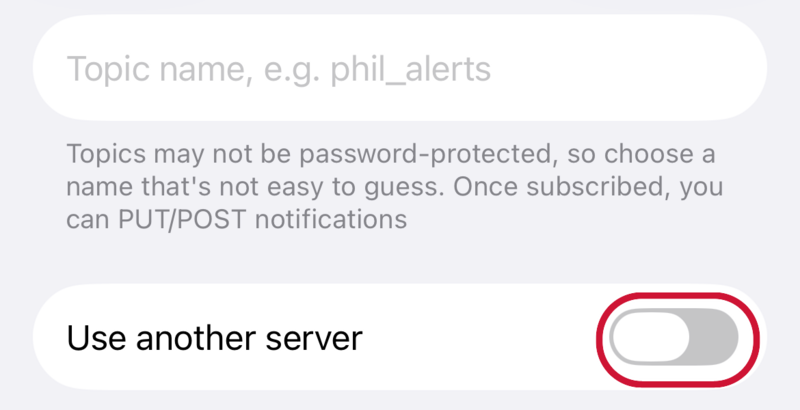
First copy the topic and paste it into Topic name in ntfy. Switch on Use another server below it. Come back here to copy the server URL, then paste it in the new field in ntfy.
Notification topicbrawl-event-alerts
Server URLhttps://brawl-event-alerts.duckdns.org
6/7 · Tap Subscribe
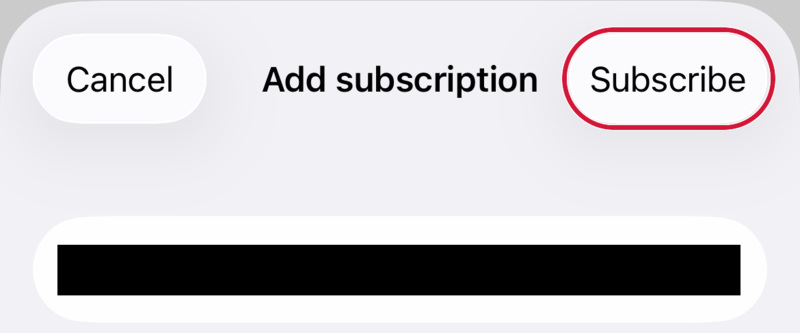
Check the spelling, then tap Subscribe in the upper right.
7/7 · Check your subscription
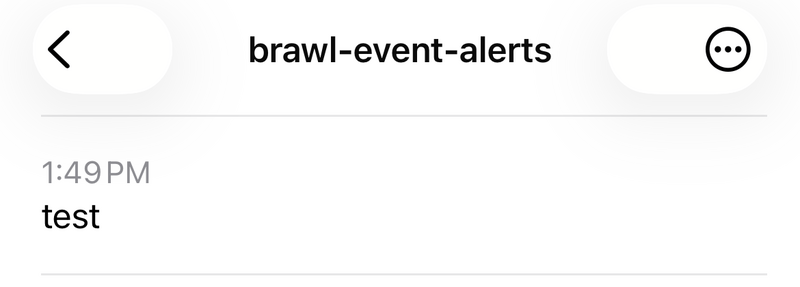
Under Subscribed topics, open the topic you just added. Check its name at the top. Your history can be empty until a new event.
See Notification Center
See the alert history
Missing an alert?
Check the connection, server and topic name. A new subscription can have an empty history between events.
- In Settings → Notifications → ntfy, turn on Allow Notifications and choose where alerts appear.
- If alerts arrive quietly or late, check Focus and Scheduled Summary. The screenshots are from iPhone. The iPad layout can differ.
Android setup
1/7 · Install ntfy
Open the ntfy listing on Google Play and tap Install. Look for the green icon with a white terminal symbol.
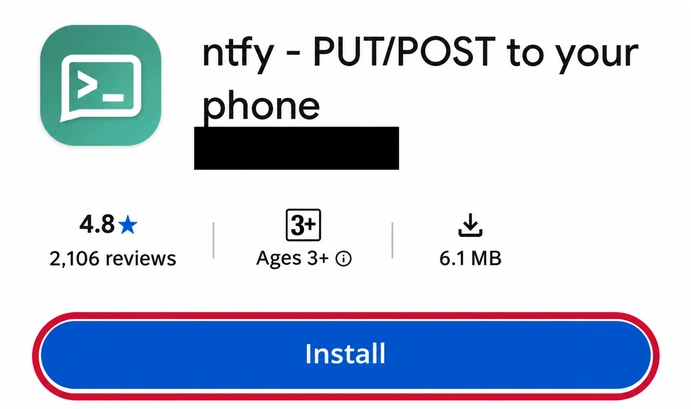
2/7 · Open the app
After installation, tap Open on Google Play or launch ntfy from your apps.
3/7 · Allow notifications
If Android asks whether ntfy may send notifications, tap Allow. If you don’t see a prompt, check the app’s notification settings.
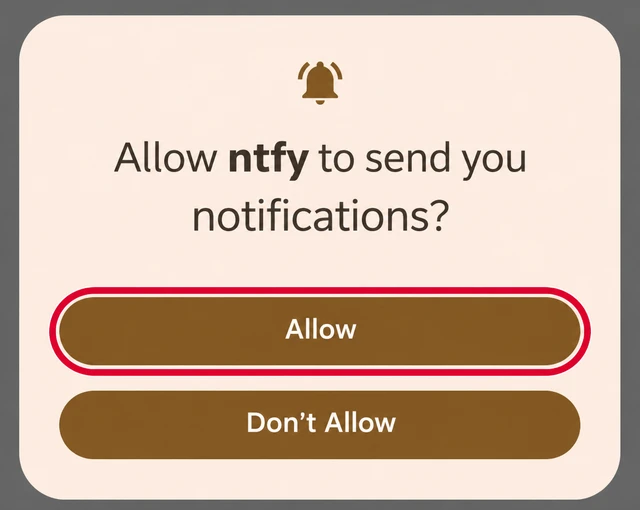
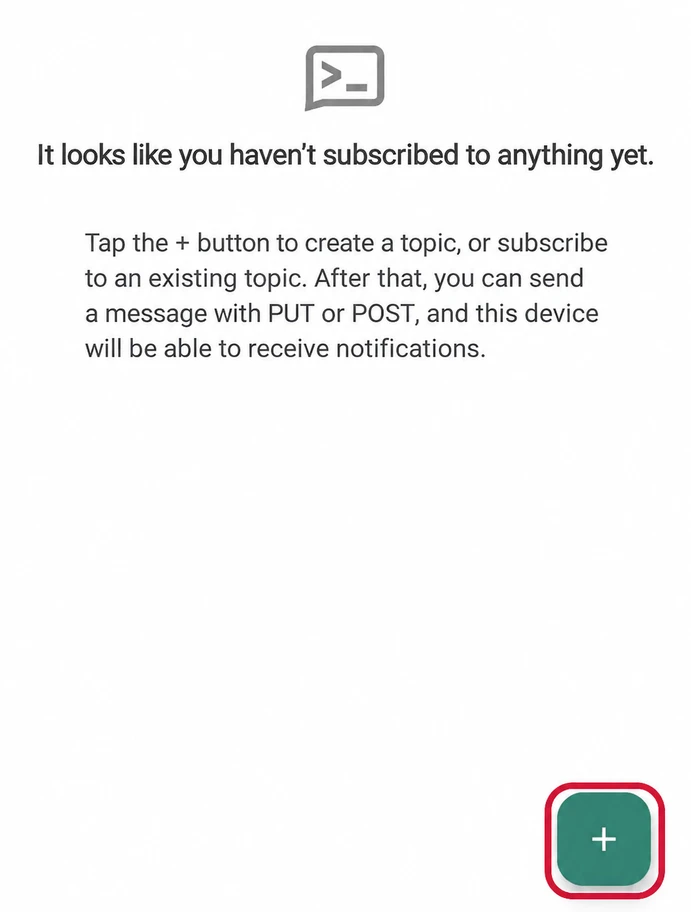
4/7 · Tap the plus button
On the main ntfy screen, tap the plus in the bottom-right corner.
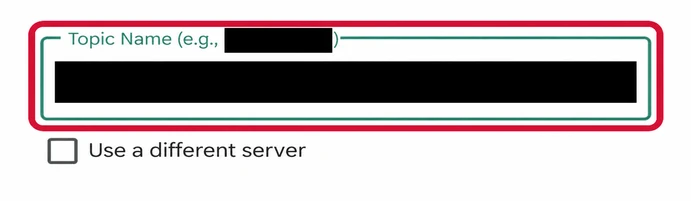
5/7 · Enter the topic and server
Copy the topic and paste it into Topic name in ntfy. Check the box below it to use a different server. Return here to copy the server URL and paste it into the new field in ntfy.
Notification topicbrawl-event-alerts
Server URLhttps://brawl-event-alerts.duckdns.org
6/7 · Confirm the subscription
Tap Subscribe at the top right to save the topic.

7/7 · Check for alerts
When a new alert arrives, it can appear in your notification shade or on the lock screen, depending on your settings. You can also open the topic in ntfy to read its history.
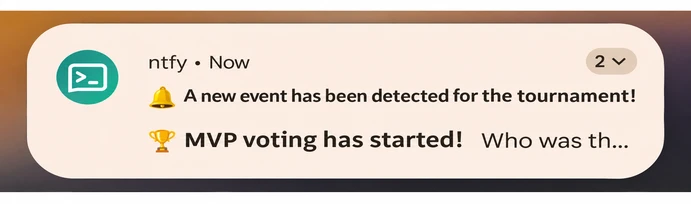
See the alert history
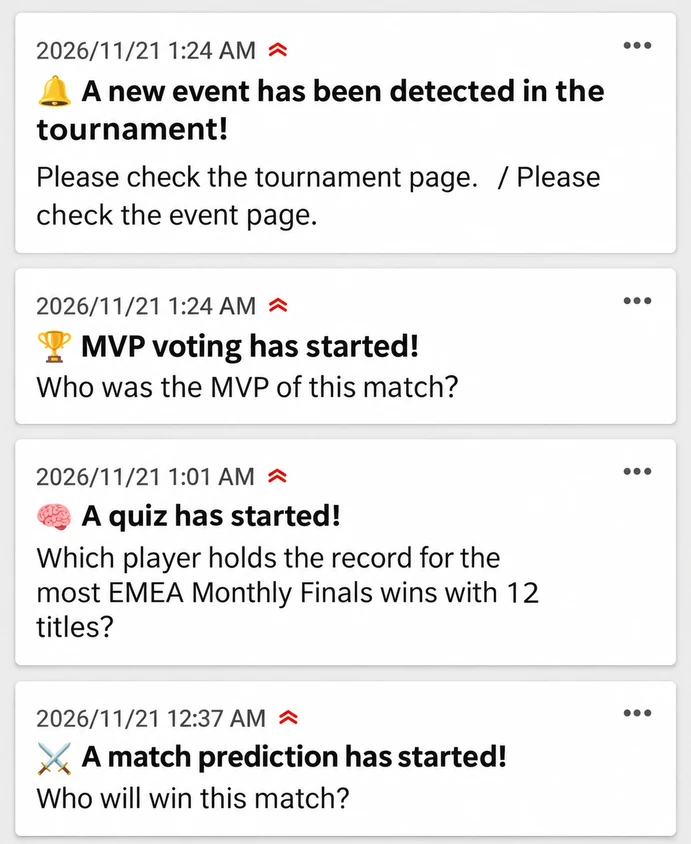
Missing an alert?
Check the connection, server and topic name. A new subscription can have an empty history between events.
- In Settings → Apps → ntfy, check notification permission and the notification channel. Also check Do Not Disturb.
- If delivery is late, check ntfy’s app-specific battery settings and allow background use if needed. Menus vary by manufacturer. Allowing more background activity can use more battery.
Windows setup
1/7 · Open the tournament topic in Chrome
Open the link below in a regular Chrome window on your Windows PC. It opens the tournament topic in a new tab.
2/7 · Check the sidebar
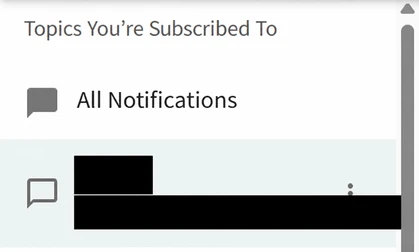
Look under Subscribed topics in the ntfy tab. If the topic is listed, go straight to step 6. If a second Subscribe dialog is open, click Cancel first. If the topic is missing, continue with step 3.
brawl-event-alerts
3/7 · Start a subscription
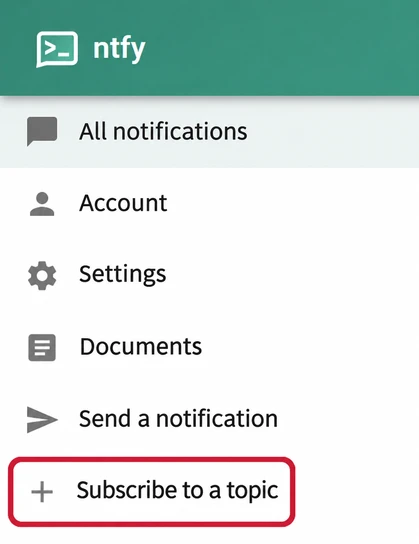
In the web app sidebar, click Subscribe to topic, next to the plus sign.
4/7 · Enter the topic name
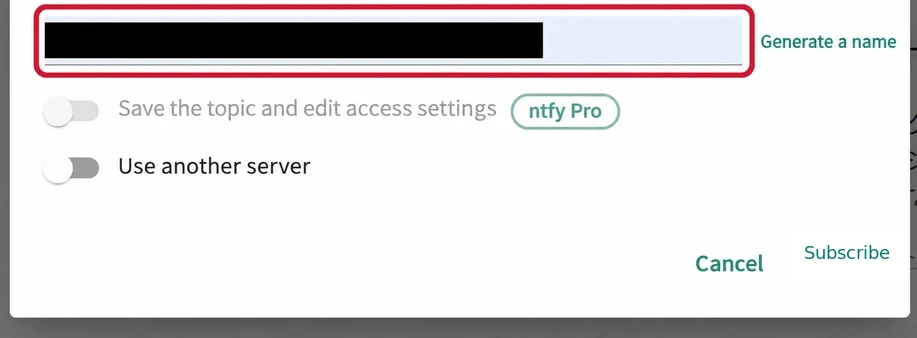
Paste the name below. You opened the tournament server in step 1, so keep Use another server off.
Notification topicbrawl-event-alerts
5/7 · Click Subscribe
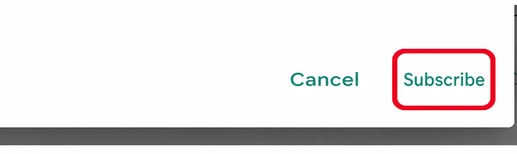
Click Subscribe in the lower-right corner of the dialog. The topic now appears in the sidebar.
See the saved subscription
6/7 · Allow Chrome notifications
In the ntfy tab, click Allow in the yellow notifications notice, then Allow in Chrome’s prompt. If you already blocked notifications, open the site controls to the left of the address, set Notifications to Allow, and reload. If permission is already allowed, continue.
7/7 · Receive Windows alerts
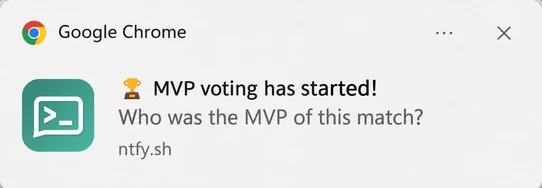
Keep the ntfy topic tab open and your PC awake during the tournament. You can watch or vote in a different tab.
Missing an alert?
Check the connection, server and topic name. A new subscription can have an empty history between events.
- Use a regular Chrome window. Allow notifications for brawl-event-alerts.duckdns.org in Chrome and for Google Chrome under Windows Settings → System → Notifications. Check Do not disturb if banners are missing.
- During the tournament, keep the ntfy topic tab open and the PC awake. You can switch to another tab to watch the event.
Alert types
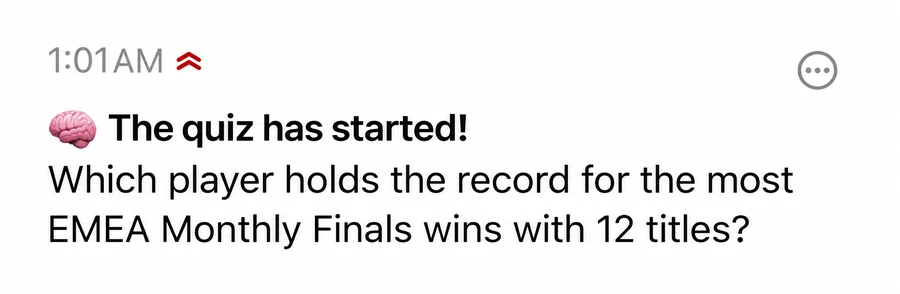
These captures show alerts received on the test topic.
Quizzes
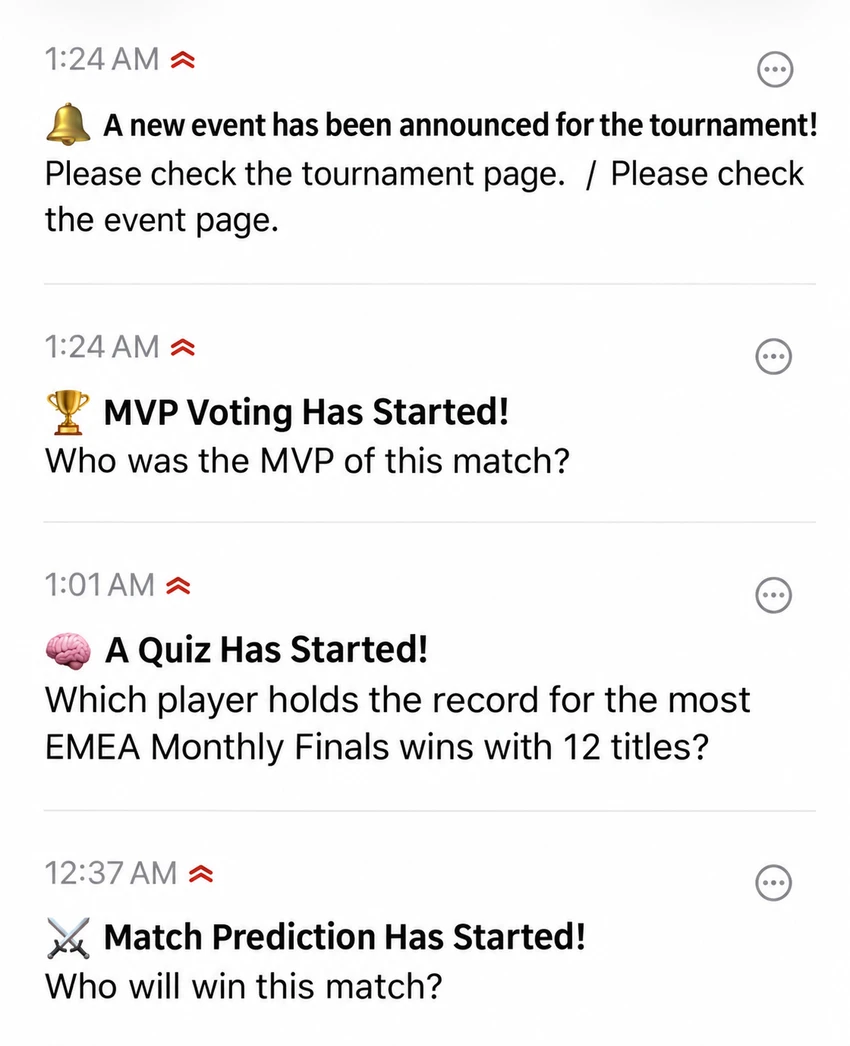
Answer a tournament question. · iPhone · ntfy history
MVP votes
Vote for the player of the match. · Windows · Chrome notification
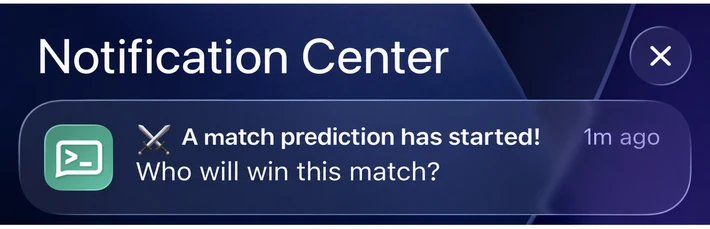
Match predictions
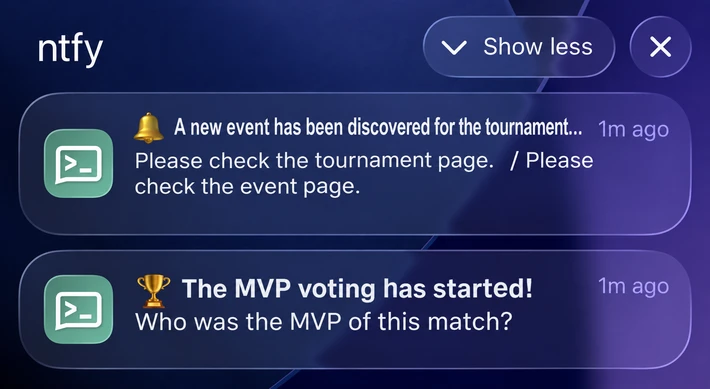
Pick who you think will win. · iPhone · Notification Center
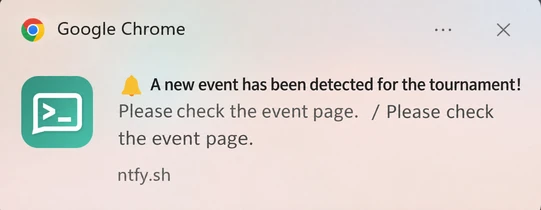
Other events
Check the event page for details. · Windows · Chrome notification
Reward cards are excluded from alerts.
Frequently asked questions
Is it free? Do I need an account?
Receiving Brawl Event Alerts is free. You can subscribe to a public ntfy topic without signing up or entering payment details. Participation takes place separately on the official tournament page.
Where do I find the topic name?
On a phone, step 5 gives the topic name and server URL. On Windows, the link in step 1 opens the tournament topic directly.
Does switching the guide language change my alerts?
The language switch changes this guide. Notifications can contain Japanese and English together, as in the captures. Separate English and Japanese feeds are not currently offered here.
Why haven’t I received a notification yet?
A subscription can have an empty history until an event is detected. Check the topic name, connectivity, and your device’s notification permissions. See the device-specific checks in the setup guide.
Will I get reward card alerts?
Reward cards are excluded. Alerts cover tournament interactions such as quizzes, MVP voting, predictions and other detected events.
How can I stop receiving alerts?
Open the topic in ntfy. Use its mute option for a temporary break, or unsubscribe to stop receiving it on that device.